HappyOceanSort1.0.5
Publisher Description
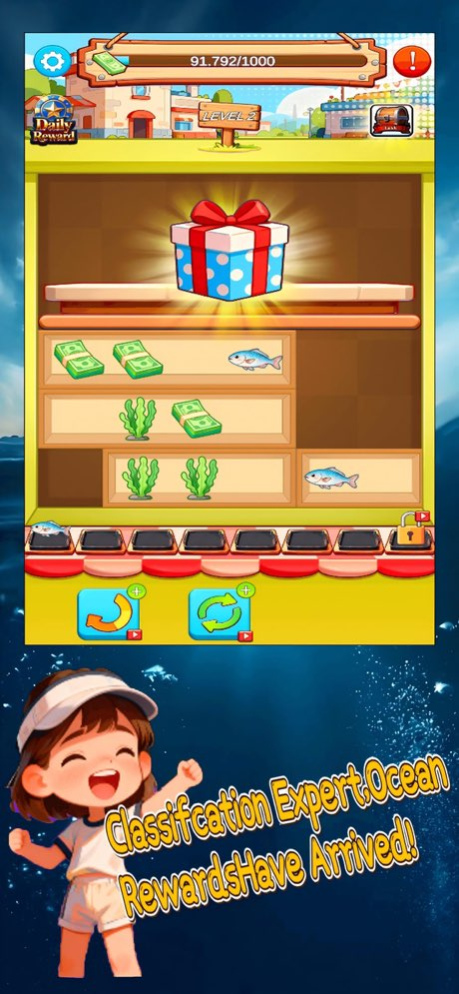
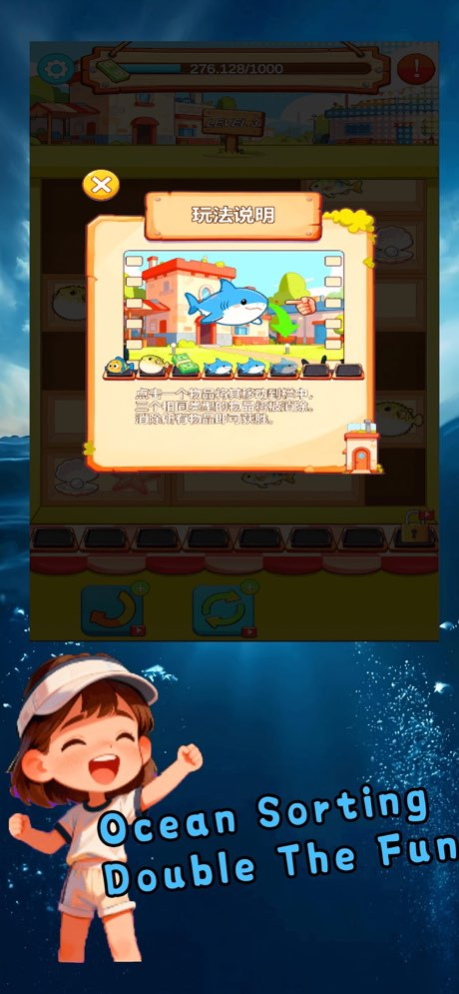
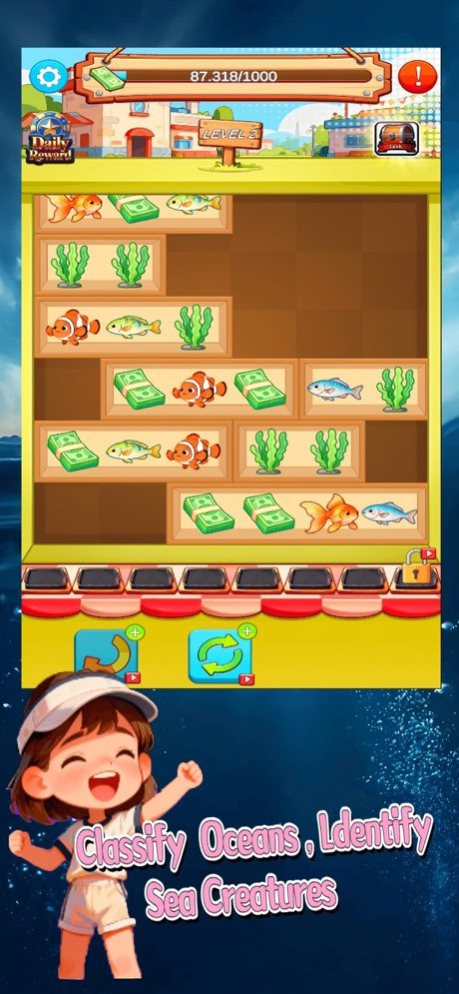
Ready to unwind while exploring a peaceful underwater world?
In 《Chill Sort Ocean》, you’ll open a treasure chest filled with colorful sea creatures and ocean goodies-just match three identical items to tidy them up. No complex rules, just pure, relaxing undersea fun!
Game Features:
Strategic sea-item sorting: Match three of the same ocean treasures to clear them.
Immersive underwater sound effects: Enjoy soothing bubbles and splashes with every successful match.
Ocean journey progression: Track your adventure and complete hundreds of unique sea-themed sorting challenges.
Casual & calming: Perfect for quick dives into a serene, ocean-inspired organizing experience.
Version History Optimized overall product performance for a smoother experience 1.0.5 Jan 18 Optimized overall product performance for a smoother experience
• Improved content presentation
• Fixed minor bugs and enhanced stability
Thank you for your support! Enjoy the latest version. 1.0.4 Jan 7 Bug fixes and performance improvements. 1.0.3 12/17/2025 1.0 12/09/2025
About HappyOceanSort
The company that develops HappyOceanSort is 维 王. The latest version released by its developer is 1.0.5.
To install HappyOceanSort on your iOS device, just click the green Continue To App button above to start the installation process. The app is listed on our website since 2026-10-06 and was downloaded 0 times. We have already checked if the download link is safe, however for your own protection we recommend that you scan the downloaded app with your antivirus. Your antivirus may detect the HappyOceanSort as malware if the download link is broken.
How to install HappyOceanSort on your iOS device:
- Click on the Continue To App button on our website. This will redirect you to the App Store.
- Once the HappyOceanSort is shown in the iTunes listing of your iOS device, you can start its download and installation. Tap on the GET button to the right of the app to start downloading it.
- If you are not logged-in the iOS appstore app, you'll be prompted for your your Apple ID and/or password.
- After HappyOceanSort is downloaded, you'll see an INSTALL button to the right. Tap on it to start the actual installation of the iOS app.
- Once installation is finished you can tap on the OPEN button to start it. Its icon will also be added to your device home screen.
Program Details
System requirements
Download information
Pricing
Version History
version 1.0.5
posted on 2026-10-06
Version History Optimized overall product performance for a smoother experience 1.0.5 Jan 18 Optimized overall product performance for a smoother experience
• Improved content presentation
• Fixed minor bugs and enhanced stability
Thank you for your support! Enjoy the latest version. 1.0.4 Jan 7 Bug fixes and performance improvements. 1.0.3 12/17/2025 1.0 12/09/2025
version 1.0.5
posted on 2026-01-18
Optimized overall product performance for a smoother experience
